Customer support automation for MTOs
Most support tickets ask where the money is. A handful allege fraud, dispute a transfer or involve a vulnerable customer. Those two piles need opposite handling, not one queue.
Remittance only · Fraud escalates first · Nothing is said before login

Customer support automation for remittance companies is not a headcount plan. Automate repetitive customer support activity across tickets, chat, email, messaging and voice while maintaining clearly defined escalation rules for financial, compliance and high-risk cases. Fraud, disputes and anything with a compliance flag on it go straight to a trained person, exactly as they should. The rest is just repetition.
What changes in the queue
Automation here is not about answering faster. It is about which tickets a person never has to see.

Everything in one queue
A fraud claim sits waiting behind a question about a fee.
Three queues, one rule
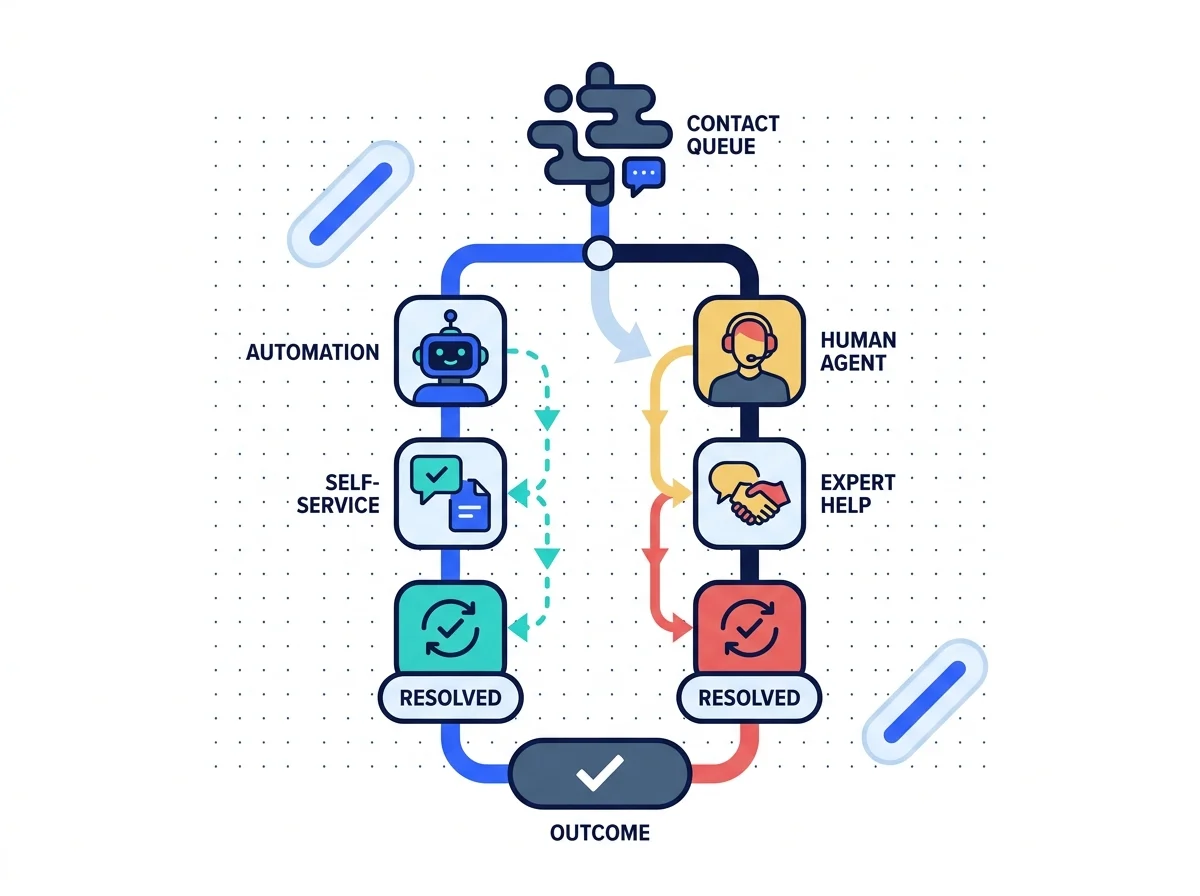
Automatable, assisted and human-only tickets get split at arrival.
The bot answers everything
A vulnerable customer gets a cheerful automated reply back.
The bot knows to stop
Fraud, disputes and vulnerability escalate before any reply goes.
Status asked, agent digs
Somebody opens three systems to say a transfer is pending.
Status answered at once
The transfer state comes from the system, after authentication.
The same question weekly
Nobody writes the help article that would stop it recurring.
The gap gets written up
Repeated questions become help content, and then stop arriving.
What the automation covers
Four rows. What it is for, how tickets get split, who gets escalated, and what stays private.
What the objective actually is
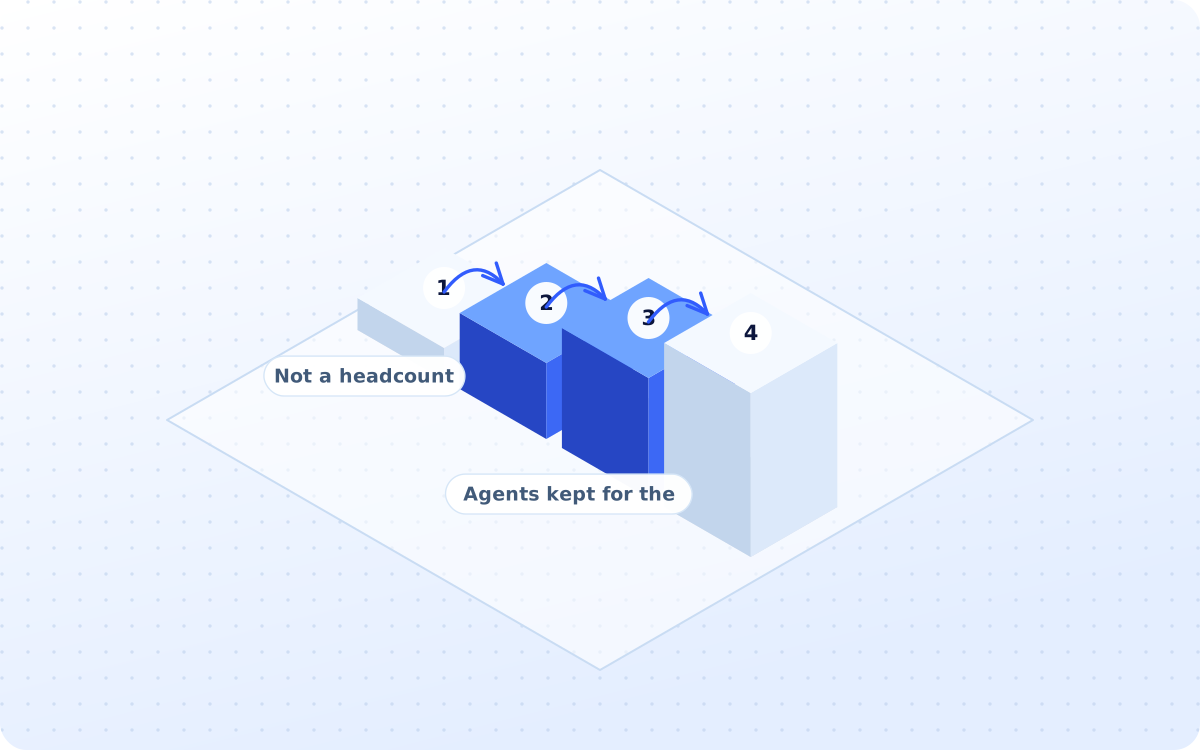
The objective is not: Replace the entire customer service team. The objective is: Automate predictable support work so human agents can focus on exceptions, complex cases and customers who genuinely need judgment.
- Not a headcount replacement plan
- Agents kept for the judgment calls
- Predictable work automated first

How every single ticket gets sorted
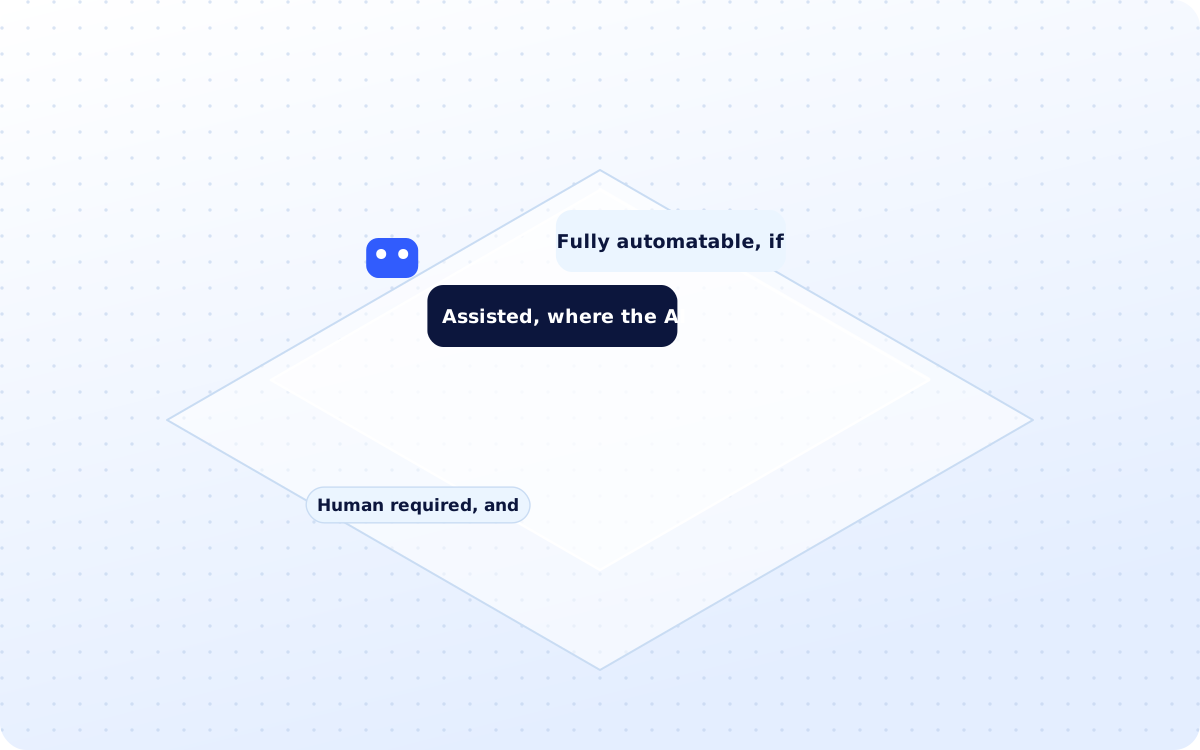
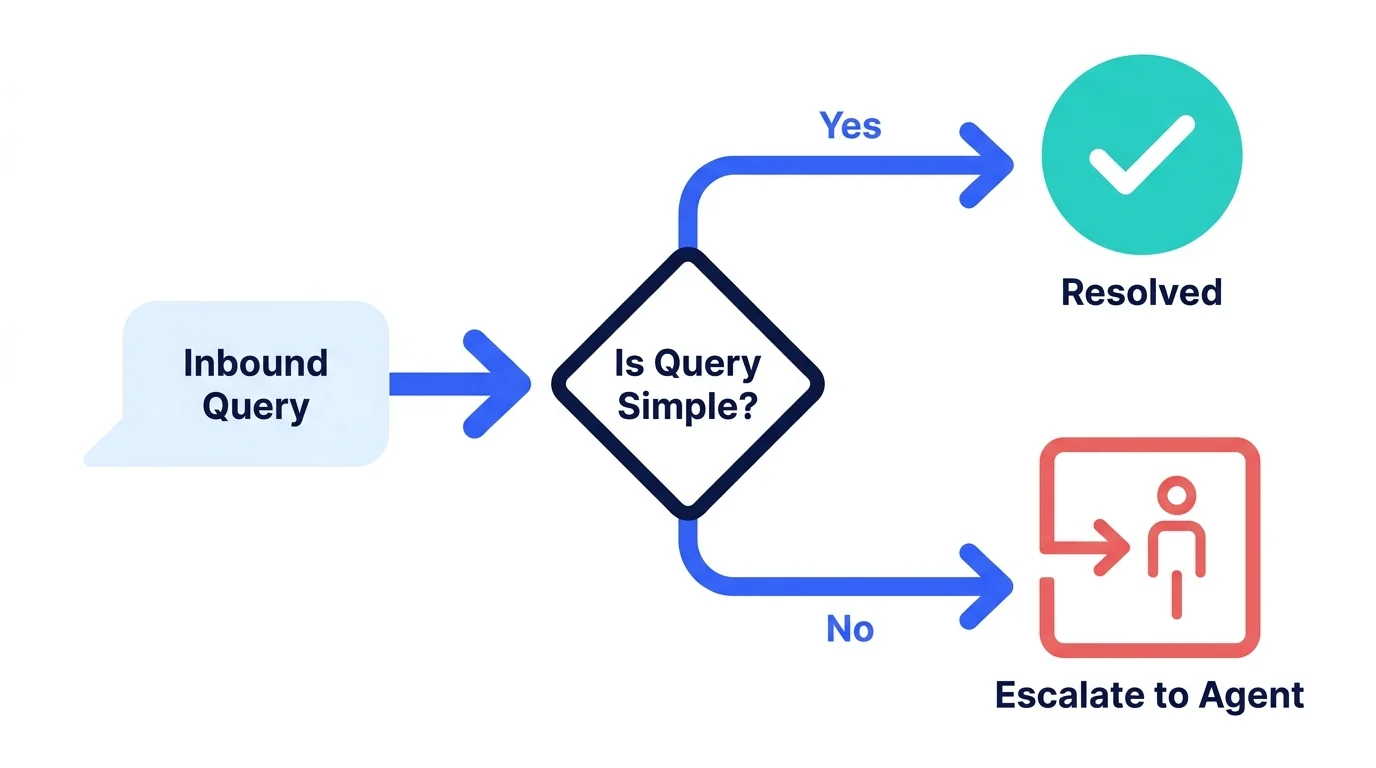
Three buckets, and no more. Classify enquiries into: Fully Automatable: Simple factual questions. Assisted: AI drafts or retrieves information for a human. Human Required: Sensitive, complex or regulated cases.
- Fully automatable, if truly simple
- Assisted, where the AI drafts it
- Human required, and clearly so
The two rules on top of routing
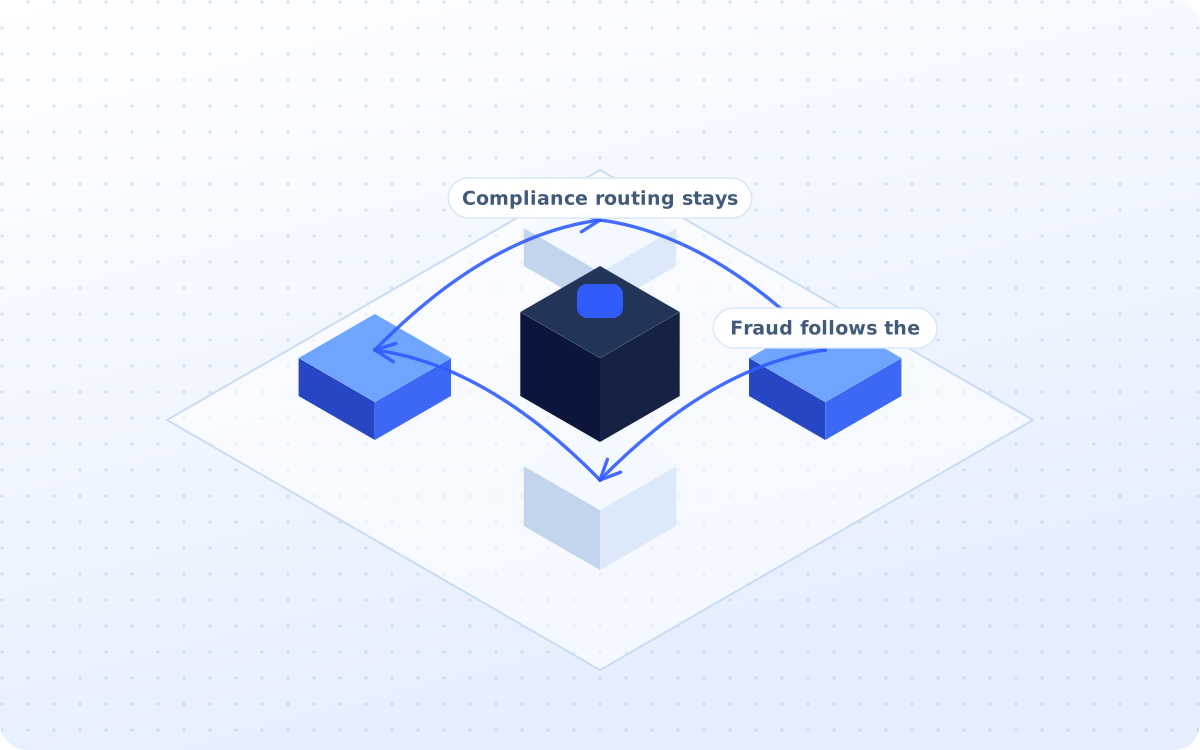
Two rules sit on top of the routing, and neither of them is optional. Compliance or fraud routing should follow approved internal workflows. Human review can remain mandatory for selected categories.
- Compliance routing stays internal
- Fraud follows the approved path
- Human review on set categories
What happens before anybody logs in
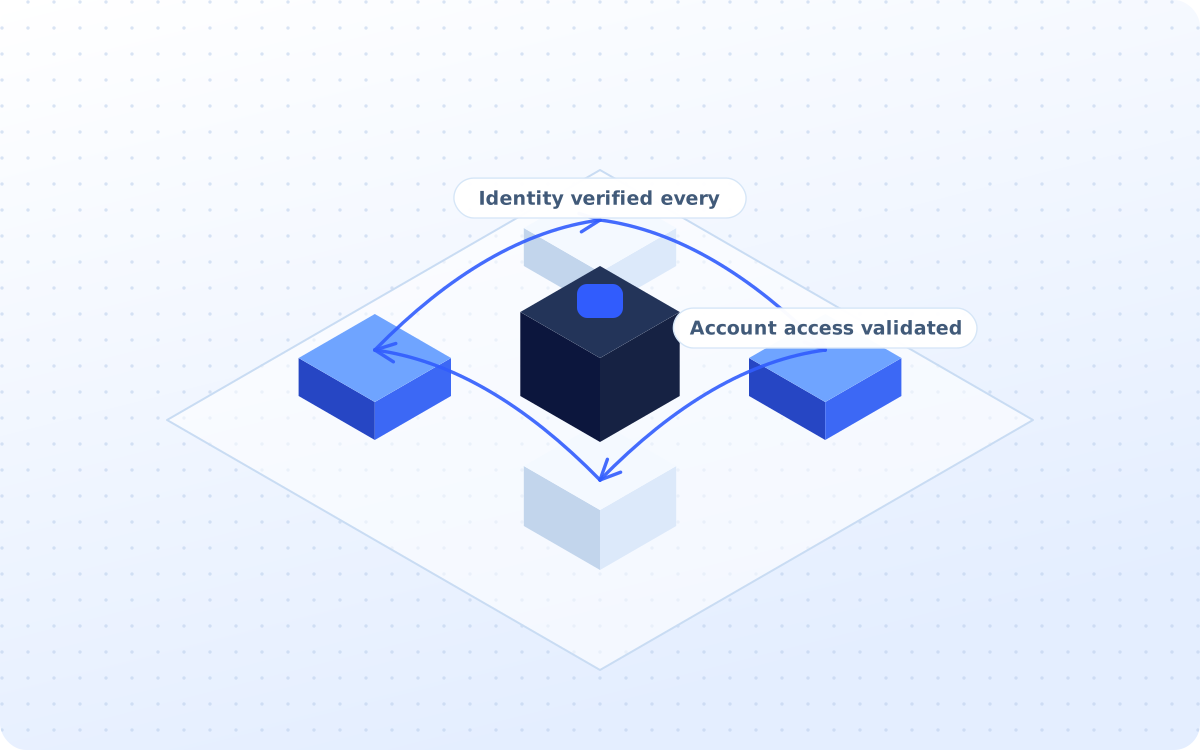
No one is told a thing about an account until they have proved who they are. Before providing account-specific information: Verify identity, Validate account access, Apply appropriate authentication controls
- Identity verified every single time
- Account access validated as well
- No balance before authentication
What you actually receive
Six artefacts, all of them yours to keep. The escalation framework is the one that protects you.
Support automation audit
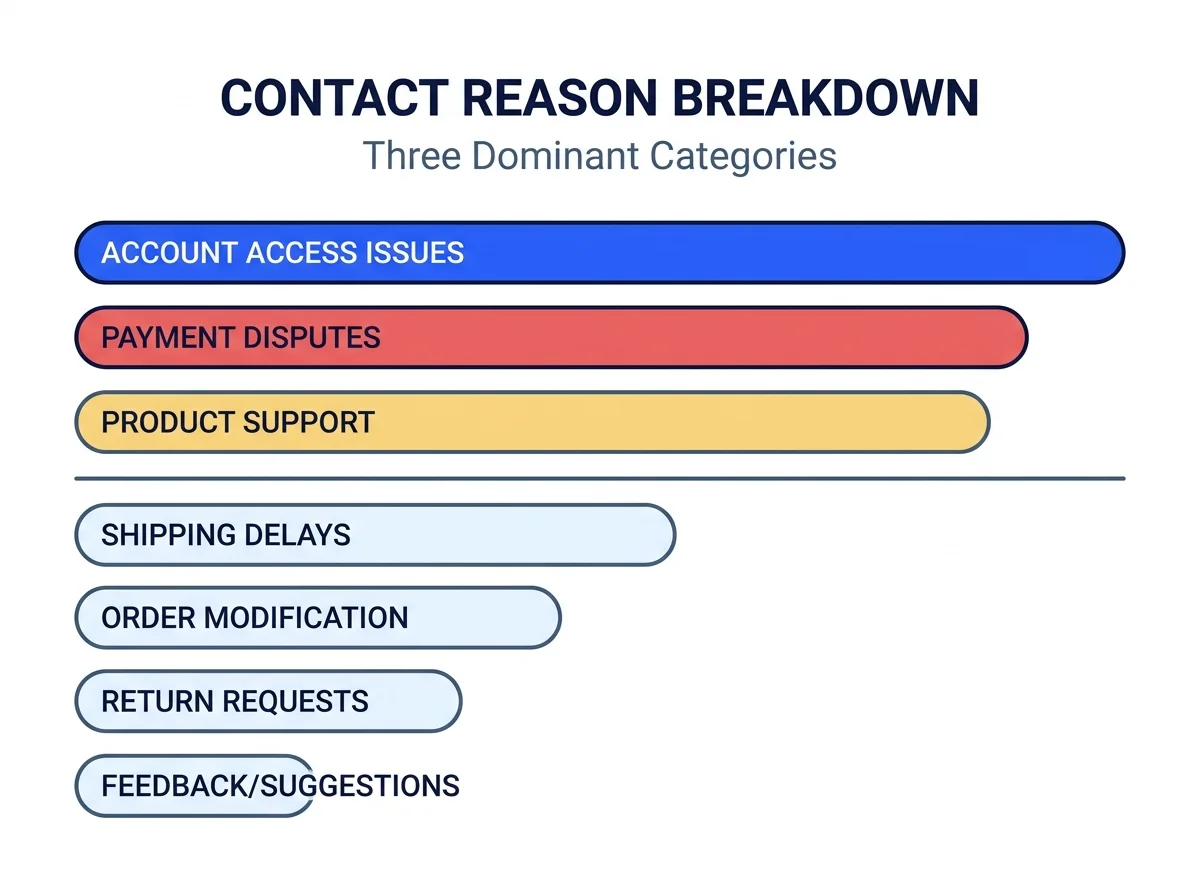
The ticket volume, the contact reasons, the channels, the response times and the support cost.

Contact-reason taxonomy
Registration, KYC, transfer status, beneficiary, payout, refund and app issues, each one of them named.
Automation matrix
Which enquiries are fully automatable, which ones are assisted, and which always need a person.
Escalation framework
Fraud, complaints, disputes, restrictions and vulnerable customers, each one with a route of its own.
Knowledge architecture
The products, the transfers, the corridors, the fees and the troubleshooting, all structured to be found.
Reporting dashboard
The automation rate, the resolution rate, the response time and the cost per interaction, monthly.
How the support work runs
Four stages, run in order. The escalation rules get written before a single ticket is ever automated.
What the ticket queue is actually made of
Ticket volume, contact reasons, channels, response times, escalations and support costs all get measured before anything at all gets changed.
- 01Ticket volume counted properly
- 02Contact reasons all grouped up
- 03Response times measured honestly
- 04Repetitive questions listed out
- 05The support cost per interaction
Which of the tickets a machine can take
Every single enquiry gets classified as fully automatable, assisted or human required, then given an intent, a priority and the language.
- 01Fully automatable, if purely factual
- 02Assisted, so the agent drafts fast
- 03Human required, and clearly so
- 04Intent, priority and the language
- 05Market and customer type as well
The tickets that can answer themselves
Account setup, the supported countries, the recipient methods and transfer tracking all get answered from the approved knowledge base itself.
- 01Account setup questions handled
- 02Supported countries answered fast
- 03Transfer tracking, after login
- 04App navigation walked all through
- 05Verification steps explained only
The tickets that never go near a bot
A fraud allegation, an unauthorised transaction, a complaint, a dispute or a vulnerable customer all go straight to a trained person instead.
- 01Fraud allegations, straight out
- 02Complaints never get automated
- 03Disputes go to a trained agent
- 04Vulnerable customers, always human
- 05Compliance cases follow the path
What the service covers
Twenty one groups of work sit behind the service, and these twelve are what carry the load.
Support audit
Volume, reasons, times, cost
Reason taxonomy
KYC, status, payout, refund, app
Ticket classing
Intent, priority, market, language
Automated routing
Payments, verification and complaints
FAQ resolution
Setup, countries, tracking, app
Response drafting
Drafts from the approved knowledge
Customer authentication
Identity before account detail
Status automation
Transfer, payment and payout state
Knowledge base
Products, corridors, fees, fixes
Escalation rules
Fraud, disputes and vulnerability
Agent copilot
Suggested answers and summaries
Support analytics
Automation rate and resolution time
Three ways to buy this
One of these will fit, whether the helpdesk is tidy or the backlog is out of control already.
Full support automation
The audit, the taxonomy, the escalation framework and the workflows, all built and connected once.
- Fixed fee, agreed before we start
- Eight weeks from audit to live
- Escalation rules written first
Status automation only
Just the transfer status enquiries, when that one question is eating the whole support week.
- One fixed fee, four weeks total
- One contact reason, done properly
- Credited if the full build follows
Ongoing helpdesk support
The knowledge kept current, with the escalation rules and the QA reviewed at every month end.
- Monthly fee, three months minimum
- Knowledge gaps written up monthly
- Escalation rate watched closely
Comparison. A general helpdesk vendor sells seats and a deflection number. Customer support automation for remittance companies starts with which tickets must never be deflected.
Position. Most operators want the status questions gone, not a bot arguing with a fraud claim.
- Fraud, complaints and compliance cases follow your approved internal workflows, never an automation.
Audit line. If none of the three fits, a fixed-fee growth audit will say which one should.
Four steps to going live
Eight weeks to live. The escalation list gets agreed before any of the automation is switched on.

Read the tickets
WEEK 1-2Volume, contact reasons, response times and the escalations, counted before anything gets built.
Split the three
WEEK 3Fully automatable, assisted or human required, decided per contact reason rather than per ticket.
Write the escapes
WEEK 4-5Fraud, disputes, complaints and vulnerability, each with a named team and a response time.
Watch the gaps
MONTHLYRepeat contacts and unanswered questions reviewed monthly, then written into the help content.
How results get reported
No client figure appears without written permission. These three are facts about how the work is run.
Services that pair with this
Tickets are one channel. These three cover the phone, and the screen that created the ticket itself.
The inbound phone line, for the customer who would much rather explain it all out loud instead.
Learn moreAI Outbound CallingThe other direction entirely, for the customers who never raised a ticket and quietly left.
Learn moreThe upstream repair work for the KYC screen that generated the ticket in the very first place.
Questions operators ask first
Answers come first. Where the honest answer is no, it says no and explains what to do instead.
Both. An agent-led operator has counter staff raising tickets as well as customers, and the same contact-reason taxonomy covers each of them.
Yes. The automation sits on the helpdesk you already run, so the ticket history stays where your agents and your reporting already look for it.
Yes. Corridor, market and language are fields on every ticket, so a payout problem on one route can be seen separately from the same problem elsewhere.
Yes. Customer support automation for remittance companies is the only kind built, which is why the escalation list starts with fraud and disputes.
Compliance or fraud routing should follow approved internal workflows. Human review can remain mandatory for selected categories. Advertising compliance stays ours.
A year of ticket exports, your current escalation list, and whoever decides what an automated reply is allowed to say to a customer.
Eight weeks to live, or four weeks for a single contact reason. The escalation list usually takes longer to agree than the build takes to run.
Yes, after authentication. The automation can read a transfer state and explain it. It cannot approve a document, release a payment or close a dispute.
Yes. One taxonomy covers every route, so the payout questions from one corridor can be counted and fixed without touching the others.
Indirectly. Sentiment should assist prioritisation, not make consequential customer decisions automatically. A frustrated repeat sender still gets a person to talk to.
A KYC question answered in minutes rather than days is a first transfer that still happens. Automation rate and first-contact resolution both get reported.
Nine indicators, monthly: automation rate, first-contact resolution, first-response time, resolution time, cost per interaction, escalation rate, repeat contacts, satisfaction and agent productivity.
Most first-transfer drop-offs are a question nobody answered in time. A verification query resolved the same hour is a transfer that still completes.
Cost per support interaction, against the agent hours returned. Customer support automation for remittance companies pays back on the status questions first.
A sender who waited two days for an answer sends the next one elsewhere. Faster resolution on the dull questions is what keeps the second transfer.
Operators, remittance apps and payout platforms on the roster
Marks appear once written permission is on file for each operator.
Automate what is truly predictable
The status question is not worth an agent's afternoon. A fraud allegation certainly is. A fixed-fee growth audit will tell the two of them apart.
You keep the escalation framework whether or not you automate.