CRO

Google Business Profile setup for MTOs

Google optimises towards whatever you send it. Send registrations and it buys registrations, most of which never verify, so the conversion import has to reach the first transfer itself.

Remittance only · Imports reach first transfer · Approval stays with Google

Google accounts, analytics and conversion imports connected correctly

Google Business Profile setup for exchange houses covers the accounts, the tags and the conversion imports that let Google buy actual senders rather than signups. Ads, Analytics, Tag Manager and Search Console are built and linked, the financial services verification pack is prepared, and every conversion is tested twice over before any of the budget goes anywhere near a campaign.

BEFORE AND AFTER

What changes in the account

Most remittance accounts get built for the launch date and never for the reporting. Four things change.

Before

Bidding on signups

Google buys the cheapest registrations, and they never verify.

After

Bidding on transfers

First transfer is imported back, so bidding follows the money.

Before

Verification refused

The account is paused, and nobody knows which document is missing.

After

Verification prepared

The documents, the domain and the regulator details go in together.

Before

Everyone is an admin

Six agencies hold owner access and nobody keeps a record.

After

Access is documented

Who owns what, and at what level, written down and dated.

Before

Tags never checked

The conversion counts twice and the reporting looks superb.

After

Tags proven first

Every conversion fires once, with the value it should have.

WHAT IS INCLUDED

What the whole setup covers

Four rows of work, run in order. Nothing gets launched before every conversion has been proven first.

Chain of tracked events running from ad click through to completed transfer

What actually gets built first

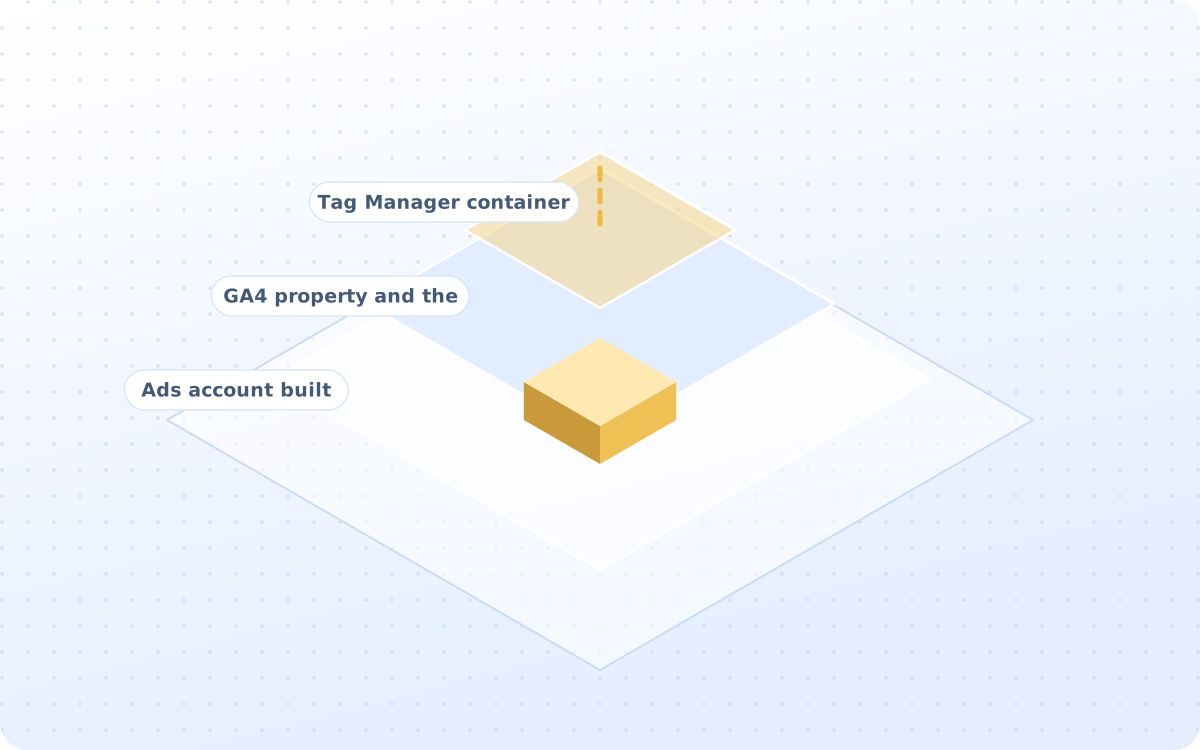
It is plumbing, it is dull, and it decides a lot of things. Create, structure, connect and validate the Google marketing infrastructure required to run and measure remittance customer acquisition.

  • Ads account built properly first
  • GA4 property and the streams set
  • Tag Manager container built out
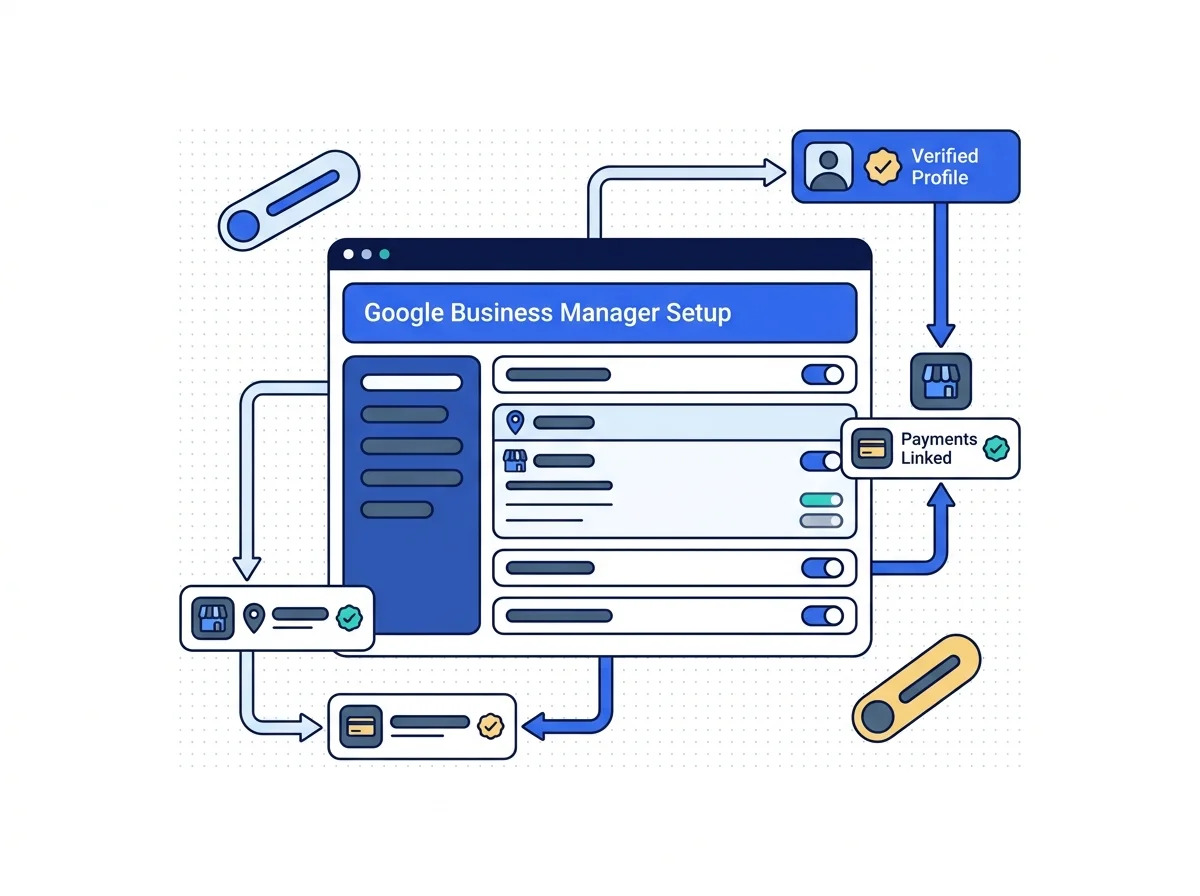
Business manager panel showing connected accounts, pixels and permissions

What Google actually gets told to buy

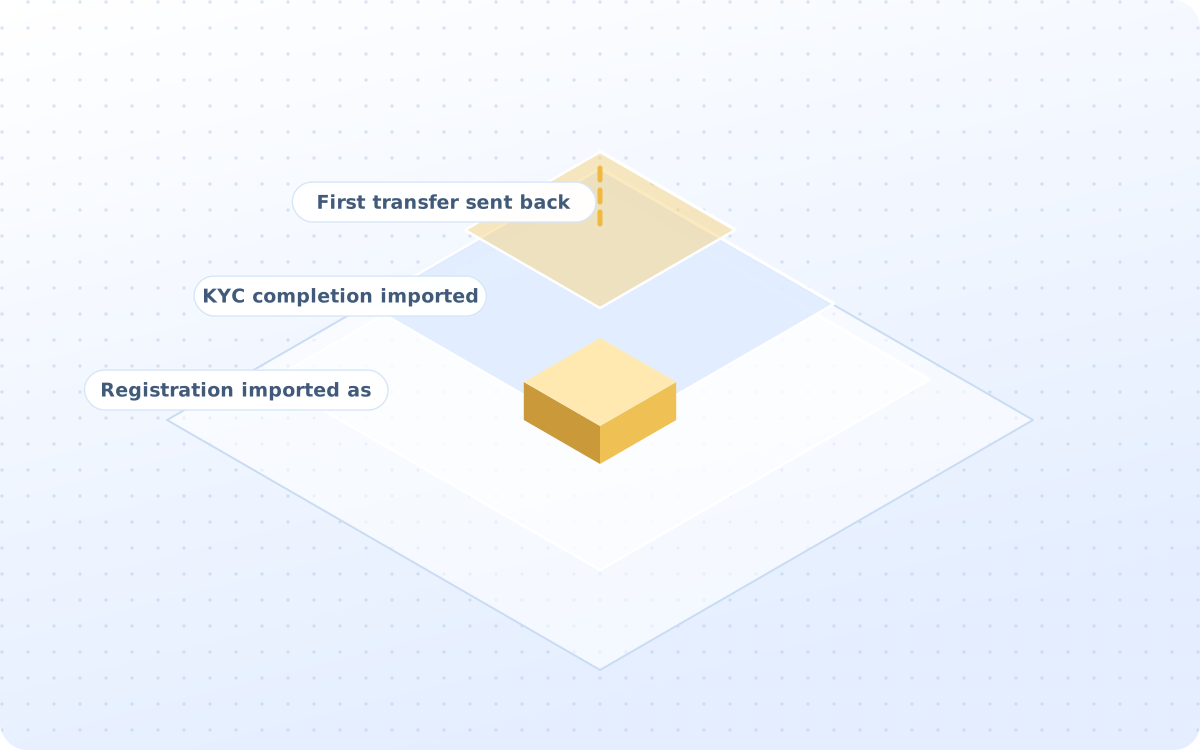
The click is not the outcome that matters. Google Ads Click → Registration → KYC → First Transfer. This can materially improve campaign optimisation compared with optimising toward registrations alone.

  • Registration imported as a step
  • KYC completion imported as well
  • First transfer sent back in too

The verification, and its limit

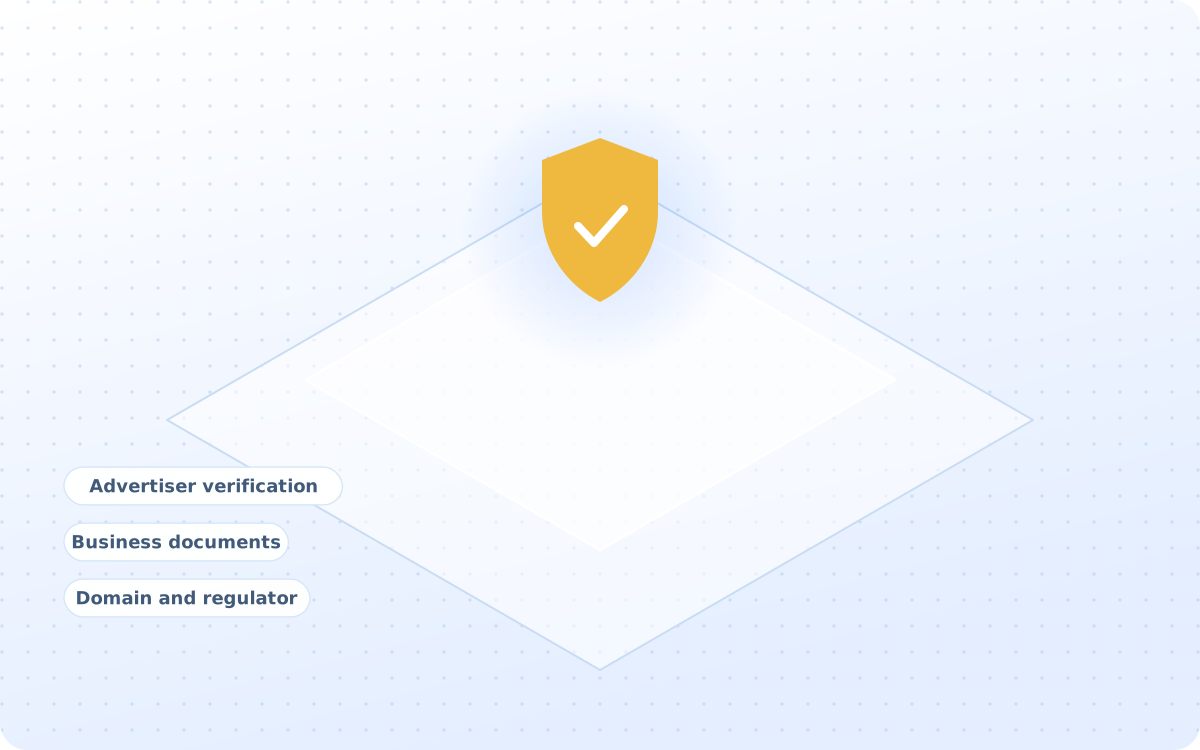
Documentation, domain details and regulatory information get prepared and submitted on your behalf, and the waiting afterwards is the part that nobody can shorten. Approval remains under Google's control.

  • Advertiser verification is prepared
  • Business documents gathered up
  • Domain and regulator details sent

Access, and then proving the tags

Admin roles, agency access and developer access are documented, so the account survives the day somebody leaves. Every conversion is fired once in a test before the first campaign ever runs.

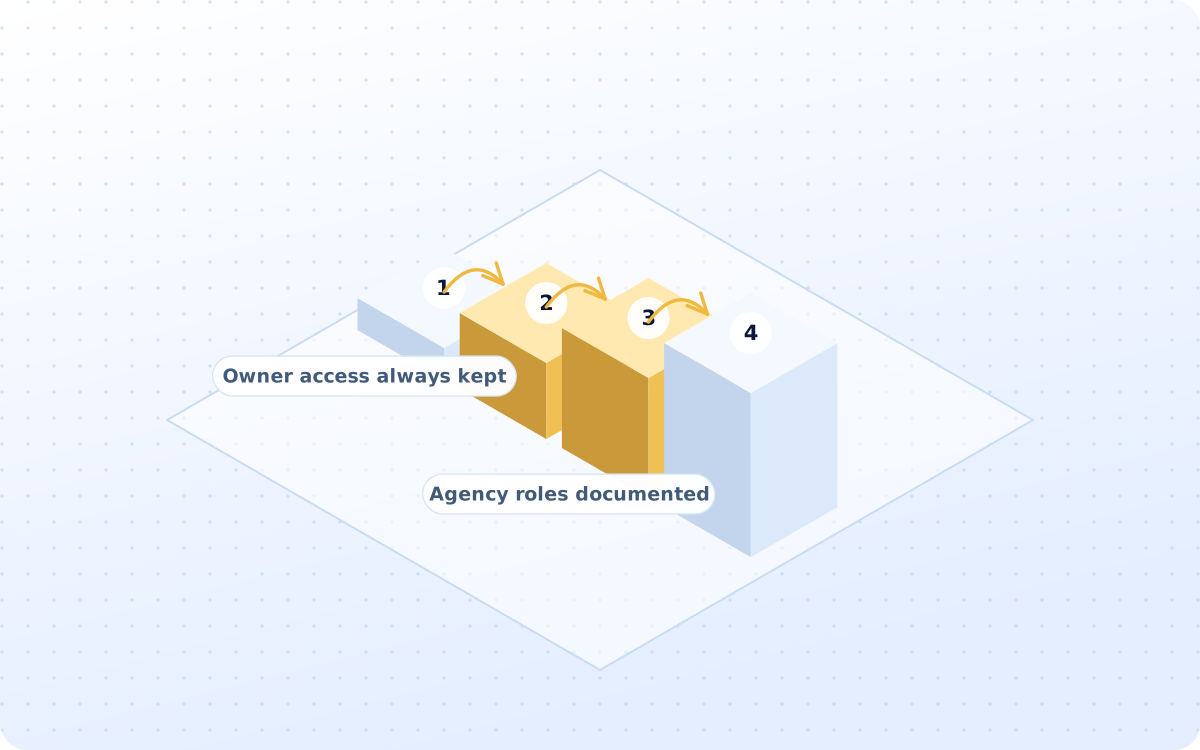
  • Owner access always kept in-house
  • Agency roles documented as well
  • Deduplication is checked properly
DELIVERABLES

What you actually receive

Six artefacts, all of them yours to keep. The access record is the one nobody ever has.

ONE-OFF

Account structure map

Which accounts exist, who sits under whom, and which markets each one of them actually covers.

ONE-OFF

Conversion action set

Every conversion action, its value, its window and whether it counts as a primary one or not.

ONE-OFF

Tag manager container

Every tag, every trigger and every variable, exported so it can be moved or audited later on.

ONE-OFF

Offline import feed

How the first transfer finds its way back into Google, and how often it happens in practice.

ONE-OFF

Access and roles doc

Who holds which role in every account, and who gets removed the moment they leave the company.

ONE-OFF

Developer setup guide

What your own developers have to implement for the web, the app and the server-side events.

HOW IT WORKS

How the setup work runs

Four stages, run in order. The imports are built before the very first campaign ever goes live.

The accounts that nobody wants to build

Ads, Analytics, Tag Manager and Search Console are created in your own name, with billing, access and structure agreed before anything else.

Workstreams
  1. 01Ads account created in your name
  2. 02Manager account where it is needed
  3. 03GA4 property and the data streams
  4. 04The Tag Manager container built
  5. 05Search Console verified as well
CAPABILITIES

What the work actually does

Fifteen groups of work sit behind the service, and these twelve are what actually gets built first.

01

Ads account setup

Structure, billing and access

02

Manager account

For multiple markets or brands

03

GA4 property

Streams, events and conversions

04

The Tag Manager

Container, tags and triggers

05

Search Console

Verified, with the sitemap in

06

Conversion tracking

Registration, KYC, first transfer

07

Enhanced conversions

Where the privacy review allows

08

Offline imports

First transfer sent back to Google

09

App campaign setup

Firebase, app events, deep links

10

Verification support

The pack, prepared and submitted

11

Access governance

Roles, owners and the record

12

Conversion QA

Fires once, with the right value

WAYS TO BUY

Three ways to buy this

One of these will fit, whether nothing exists yet or six old agencies still hold the keys.

Complete account build

The accounts, the tags, the imports, the verification and the QA, all delivered just the once.

  • Fixed fee, agreed before we start
  • Accounts opened in your own name
  • No approval date is ever promised

Conversion import build

Only the offline import itself, from the click through to the first transfer and back again.

  • One fixed fee, two weeks total
  • Works with your existing setup
  • The import feed is handed over

Complete account audit

What is broken, what fires twice, and who still holds the access that they should not have.

  • One week, priced before we start
  • No obligation to rebuild after
  • Every broken tag is listed out

Comparison. A general agency will open the accounts and start spending. Google Business Profile setup for exchange houses imports the first transfer back before anything is switched on.

Position. Most operators need the import and the access record fixed, nothing more, and it costs less.

Where this stops
  • Licensing and AML questions go to a qualified adviser. We handle advertising and marketing compliance.

Audit line. If none of the three fits, a fixed-fee growth audit will say which one should.

PROCESS

Four steps to going live

One week of building, and then the imports. Verification can take longer than the whole build does.

01

Open the accounts

WEEK 1

Ads, Analytics, Tag Manager and Search Console, all opened in your own company name.

02

Wire the events

WEEK 2

Conversions defined, tags built and the offline import connected to your own CRM feed.

03

Submit the pack

WEEK 2-6

Documents, domain and regulatory details are submitted, then chased until it is decided.

04

Test then handover

WEEK 3

Every conversion fired once, then the guides and the access record handed over to you.

WHAT WE CLAIM

How results get reported

No client figure appears without written permission. These three are facts about how the work is run.

15WORK GROUPSFifteen groups of setup work comprise the service, accounts through guides.
4OUTCOME STEPSFour steps are imported, from advertising click through to first transfer.
0APPROVALS PROMISEDVerification approval sits with Google, in every market and every case.
FAQ

Questions operators ask first

Answers come first. Where the honest answer is no, it says no and explains what to do instead.

Operators, remittance apps and payout platforms on the roster

  • VaultBridge
  • Alta Remit
  • Corridor Pay
  • Corriva Pay
  • Diaspora FX
  • EchoSend
  • HaloSend
  • Kora Send

Marks appear once written permission is on file for each operator.

NEXT STEP

Import the transfer, then spend

While the import is missing, Google buys the wrong customer with your money. A fixed-fee growth audit will say exactly what is missing and why.

You keep the accounts and the access whether or not we continue.

Scroll to Top