AI & AUTOMATION

WhatsApp Business API for remittance apps

The diaspora sender already has WhatsApp open all day, and an email inbox they check infrequently. That is the entire argument for this channel, and it is usually enough.

Remittance only · Opt-in comes first · Meta approves every single template

WhatsApp used as the channel senders actually reply on

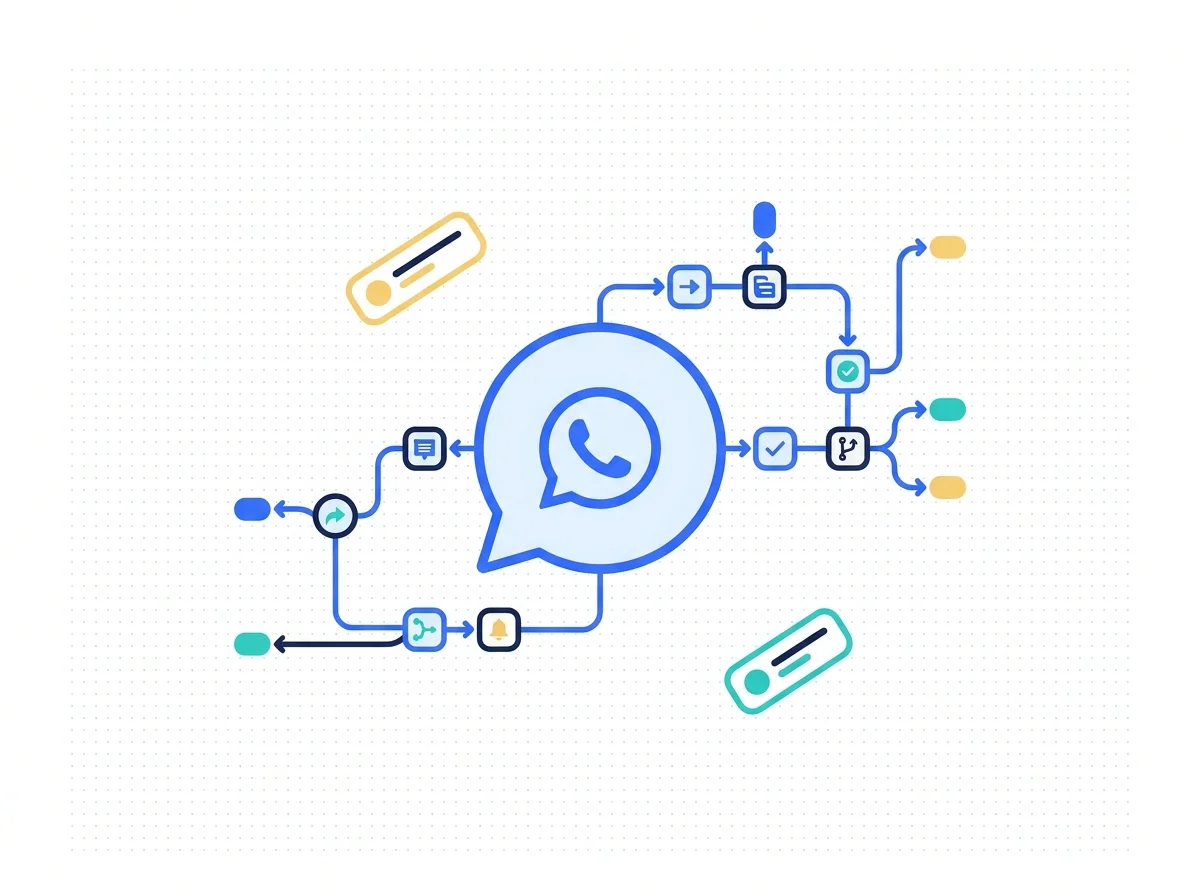
WhatsApp Business API for remittance companies is a governed channel, not a broadcast list. The objective is to create: Opt-In → Conversation → Support → Notification → Engagement → Human Handoff within appropriate WhatsApp and privacy rules. Opt-in comes first, the transaction facts come from your own systems, and a person takes the complaint. Meta approves the templates, not us.

BEFORE AND AFTER

What changes on WhatsApp

A broadcast blast to an unconsented list gets the number blocked. Four things change about all that.

Before

A number, then a blast

Messages go out to whoever happens to be sitting in the CRM.

After

Opt-in, then a message

Only customers who agreed, on a template that was approved.

Before

The bot quotes a rate

A number gets typed into a template and goes out of date.

After

The system quotes it

Transfer status and payout state come from the backend systems.

Before

One template for all

The same English notification lands in every send corridor.

After

A template per market

Language, corridor and message category all decide what gets sent.

Before

The chat has no exit

A complaint keeps talking to a bot until the customer leaves.

After

The chat finds an agent

Complaints and disputes route to a named team, with the history.

WHAT IS INCLUDED

What the channel covers

Four rows. Why this channel, what the flow looks like, and the two approvals that are not ours.

WhatsApp conversation flow branching by sender question and reply

What this service actually builds

Most diaspora senders will answer a WhatsApp message before they open an email or an app push. Build WhatsApp as a governed customer communication, support and lifecycle channel for remittance businesses.

  • A governed channel, not a blast
  • Support, lifecycle and notifications
  • Built for remittance customers

Why WhatsApp, and not the email

That is the whole case. For many remittance audiences, WhatsApp is a natural communication channel because customers already use it frequently to communicate with family, businesses and service providers.

  • Already open on the sender's phone
  • Used with family almost every day
  • Read far more often than an email

The whole flow, in its fixed order

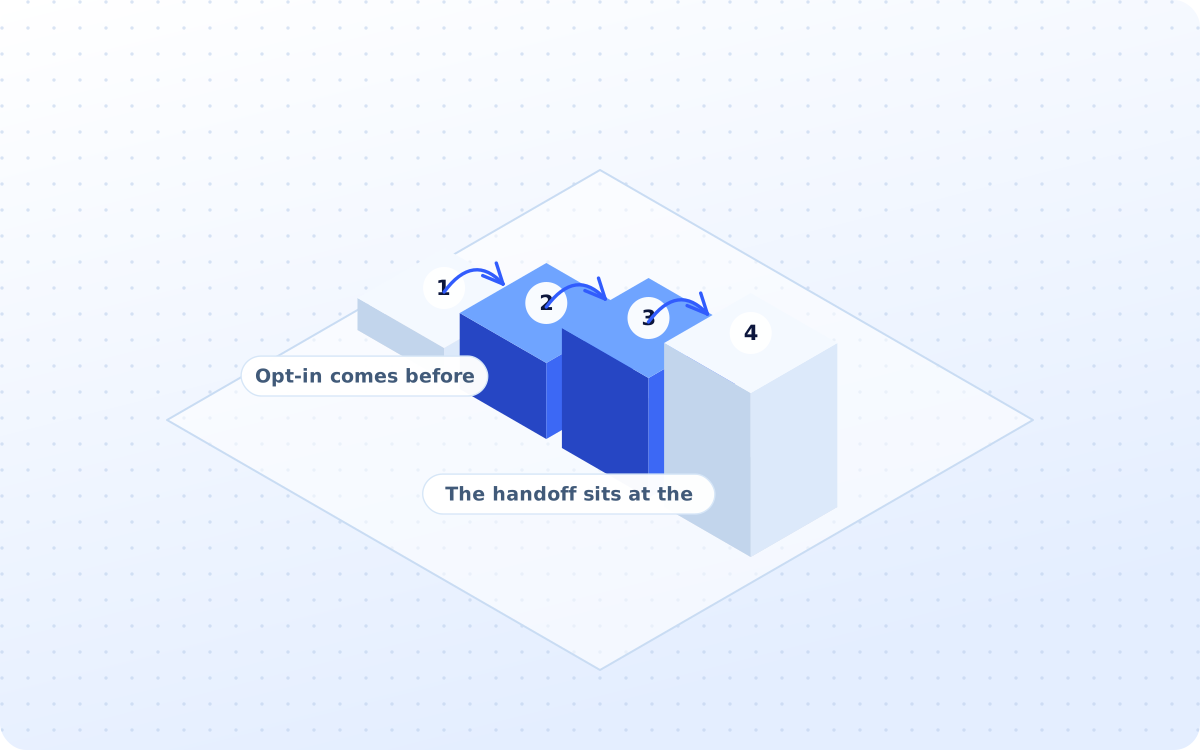
Six stages, and only one order to them. The objective is to create: Opt-In → Conversation → Support → Notification → Engagement → Human Handoff within appropriate WhatsApp and privacy rules.

  • Opt-in comes before anything else
  • The handoff sits at the end of it
  • Privacy rules apply throughout

The two approvals that are not ours

Two of these lines are not ours to sign off, and it is better said out loud. Final platform approval remains with Meta/WhatsApp. Templates should follow platform rules and approval requirements.

  • Meta approves the platform itself
  • Templates all go through approval
  • Timelines account for both of those
DELIVERABLES

What you actually receive

Six artefacts, all of them yours to keep. The opt-in architecture is the one that really matters.

ONE-OFF

WhatsApp strategy

The use cases, the segments, the message categories, the consent model and the escalation route.

ONE-OFF

Opt-in architecture

Where consent gets collected, from the website and app to the QR codes at the agent counter.

ONGOING

Template library

The account updates, the KYC reminders, the transfer notifications and the support replies, all sent in.

ONE-OFF

Notification flows

Initiated, received, processing, payout and completed, each one of them pulled from the backend system.

ONE-OFF

Escalation routing

Which conversations go to support, to technical, or to the complaints team, and how fast it happens.

MONTHLY

Channel reporting

The delivery, the read rate, the replies, the opt-outs and the conversion, reported every month.

HOW IT WORKS

How the channel gets built

Four stages, run in order. The opt-in has to exist before a single template is even submitted.

The account, the number, the profile

The business account preparation, the number setup, the business profile and the provider configuration, with Meta holding the final approval.

Workstreams
  1. 01Business account prepared first
  2. 02The number set up properly first
  3. 03Profile written for the sender
  4. 04Provider configured and tested
  5. 05Meta approval is not ours to give
CAPABILITIES

What the service covers

Fifteen groups of work sit behind the service, and these twelve are what a sender actually sees.

01

Platform setup

Account, number, profile, access

02

Opt-in build

Website, app, signup, QR codes

03

Template strategy

Categories, wording and approval

04

Onboarding flow

Welcome, guidance and app help

05

KYC reminders

Documents, retries, support link

06

Transaction alerts

Initiated, processing and completed

07

Customer support

Questions, help, tracked threads

08

Chatbot layer

FAQ, corridors, status after login

09

Lifecycle messages

Activation, repeat send, referral

10

CRM integration

Profile, consent, conversation history

11

Channel analytics

Delivery, replies, opt-outs, revenue

WAYS TO BUY

Three ways to buy this

One of these will fit, whether the number is already approved or nothing exists yet at all.

Complete channel build

The strategy, the opt-in, the templates, the notifications and the escalation route, all set up.

  • Fixed fee, agreed before we start
  • Eight weeks, plus Meta approval
  • Opt-in evidence required first

Notification build only

Just the transaction messages, when the support team is fine and the silence is the problem.

  • One fixed fee, four weeks total
  • Transaction alerts, done properly
  • Credited if the full build follows

Ongoing channel support

The templates kept approved, the flows kept current, and the opt-out rate watched each month.

  • Monthly fee, three months minimum
  • Templates resubmitted as needed
  • Opt-out rate watched very closely

Comparison. A general messaging vendor sells message volume. WhatsApp Business API for remittance companies starts with the opt-in record and the template Meta will actually approve.

Position. Most operators already have the customers on WhatsApp, and no permission to message them.

Where this stops
  • Meta approves the platform and the templates. Consent and privacy rules sit above every message.

Audit line. If none of the three fits, a fixed-fee growth audit will say which one should.

PROCESS

Four steps to first message

Eight weeks, plus whatever Meta takes. The opt-in work starts well before any of the build does.

01

Open the account

WEEK 1-2

Business account, number, profile and provider, prepared and submitted to Meta for approval.

02

Collect the opt-in

WEEK 2-4

Website, app, signup and the agent counter, each one recording consent as it is given.

03

Write the messages

WEEK 5-6

Account updates, KYC reminders and transfer notifications, written then submitted for approval.

04

Wire the handoff

WEEK 7-8

Complaints, disputes and technical faults routed to a named team, with the thread attached.

WHAT WE CLAIM

How results get reported

No client figure appears without written permission. These three are facts about how the work is run.

15WORK GROUPSFifteen groups of work comprise the service, strategy through to analytics.
6FLOW STAGESSix sequential stages, from the customer opt-in through to human handoff.
8METRICS TRACKEDEight measures are reported, from the message delivery to revenue attribution.
FAQ

Questions operators ask first

Answers come first. Where the honest answer is no, it says no and explains what to do instead.

Operators, remittance apps and payout platforms on the roster

  • MonoFlux Remit
  • Nexa Remit
  • NorthArc Pay
  • NovaCorridor
  • PayaLink
  • SendBridge
  • SwiftLoom Pay
  • Transfeo

Marks appear once written permission is on file for each operator.

NEXT STEP

Get the opt-in right first, then send

This channel is free to open and expensive to get wrong. A fixed-fee growth audit will say whether the opt-in you hold is worth building on.

You keep the opt-in architecture whether or not you launch.

Scroll to Top