AI & AUTOMATION

Workflow automation for remittance apps

The campaign was finished on Monday. It went live on Thursday, because the brief sat in somebody's inbox waiting for an approval nobody realised they were supposed to give.

Remittance only · Handoffs removed · The regulated decisions are left alone

Manual handoffs between teams removed from a workflow

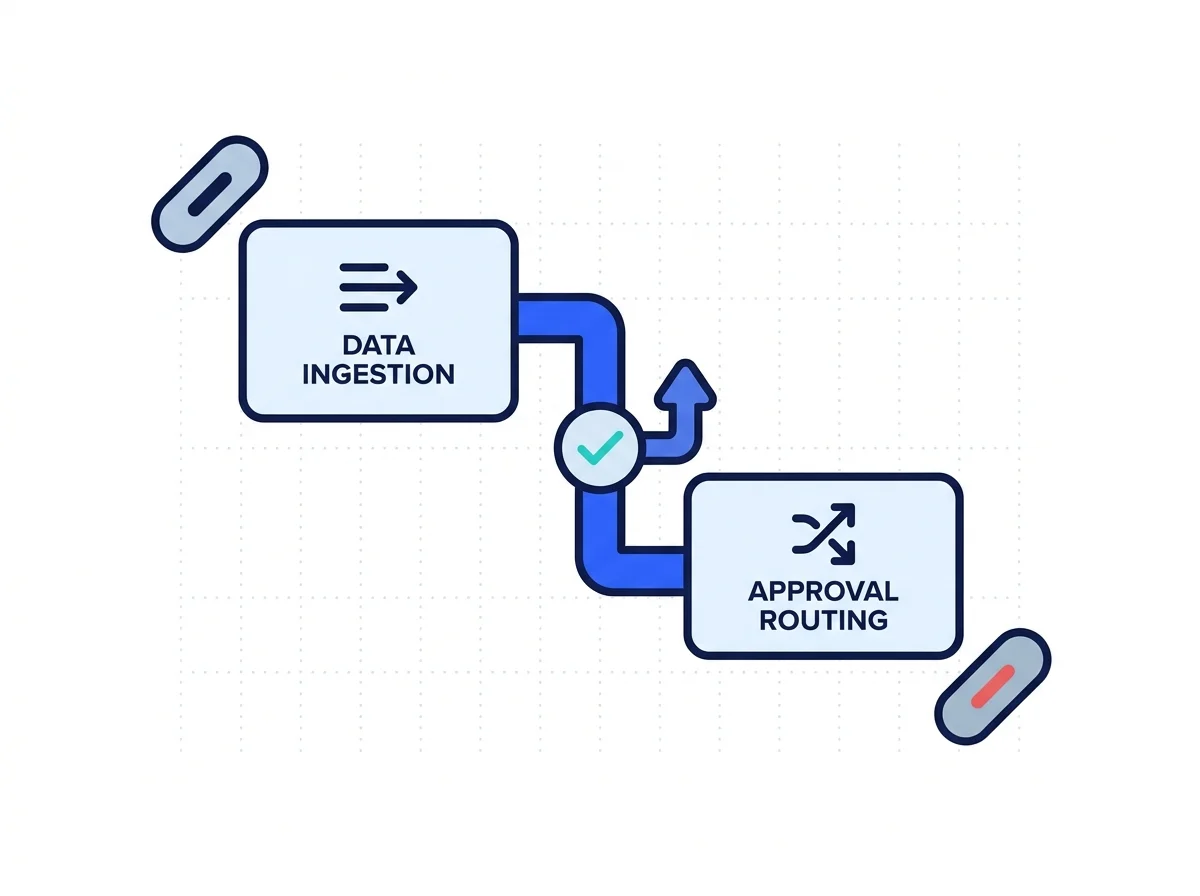
Workflow automation for remittance companies is about the gaps between people, not the people. Connect systems, teams and repetitive processes so customer, marketing and operational work moves automatically between stages without unnecessary manual handoffs. A campaign brief that waits days for an approval nobody chased is the actual problem. The compliance decision at the end of it still belongs to a person.

BEFORE AND AFTER

What changes between teams

Nobody here is slow. The work just stops between one desk and the next, over and over again.

Before

The brief waits

A campaign sits in an inbox because nobody was ever told.

After

The brief moves on

Submission routes to a named reviewer with a clock on it.

Before

The same data, twice

Somebody retypes a lead from the website into the CRM again.

After

Entered once, moved on

The form writes the record, and the owner gets a notification.

Before

Silence when it breaks

Tracking fails on a Friday and nobody notices until Monday.

After

An alert when it breaks

A tracking failure or a spend overrun pages somebody at once.

Before

Approvals in a chat

Nobody can prove who approved the rate claim, or even when.

After

Approvals on a record

Submitter, reviewer, changes, approval and date all get logged.

WHAT IS INCLUDED

What the automation covers

Four rows. What it connects, where the line sits, the two stop rules, and then the map.

Connected automation nodes passing a task between systems

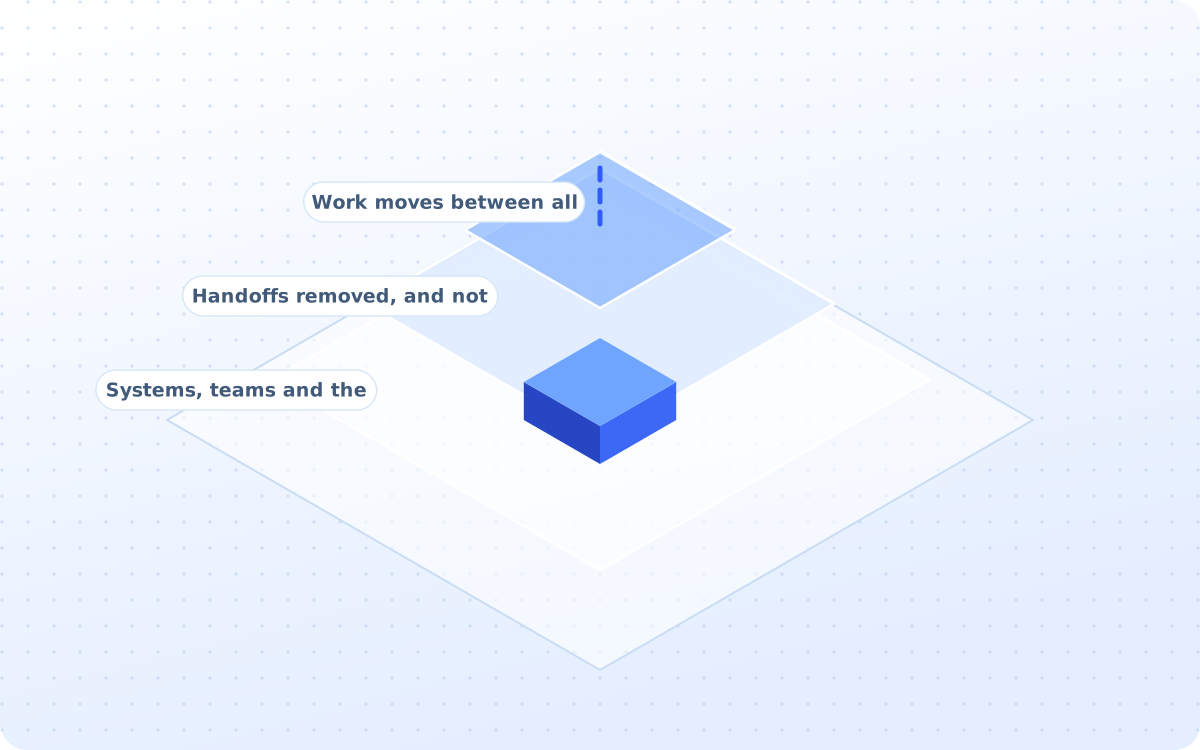
What this service actually connects

Most of the delay is a handoff, not a task. Connect systems, teams and repetitive processes so customer, marketing and operational work moves automatically between stages without unnecessary manual handoffs.

  • Systems, teams and the processes
  • Handoffs removed, and not people
  • Work moves between all the stages

Where the line sits, quite exactly

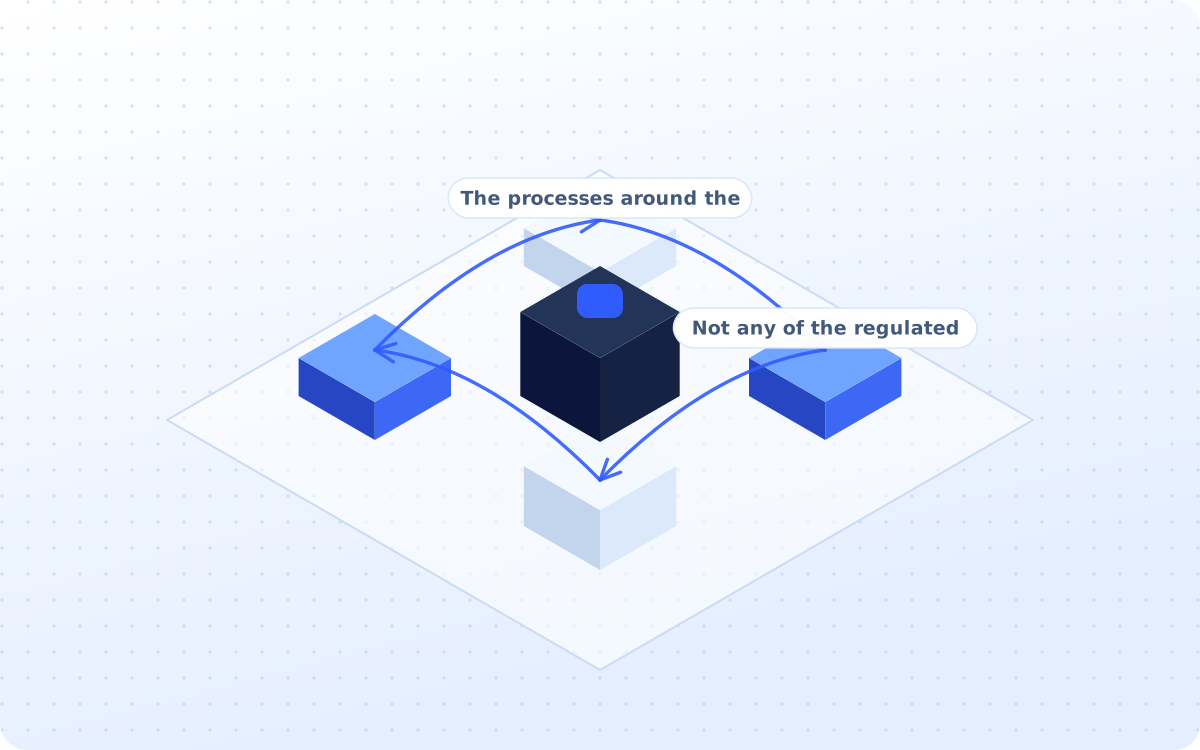
There is a line here, and it sits around the regulated part of the business. This service should focus on processes surrounding the remittance business rather than automating regulated decisions themselves.

  • The processes around the business
  • Not any of the regulated decisions
  • Marketing and the operations work

The two rules that stop the machine

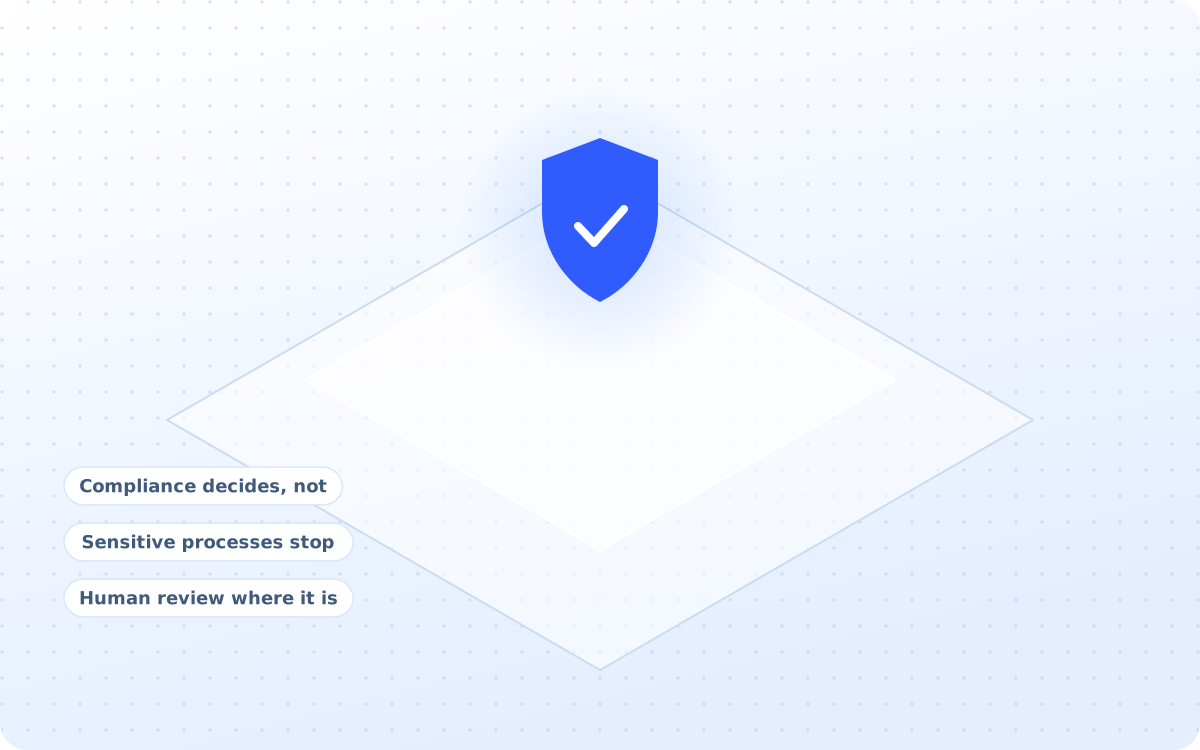
Two controls make the difference, and both stop the machine. Automation supports the workflow but does not make the compliance decision. Ensure sensitive processes stop for human intervention when required.

  • Compliance decides, not the tool
  • Sensitive processes stop for people
  • Human review where it is needed

How every workflow gets drawn up

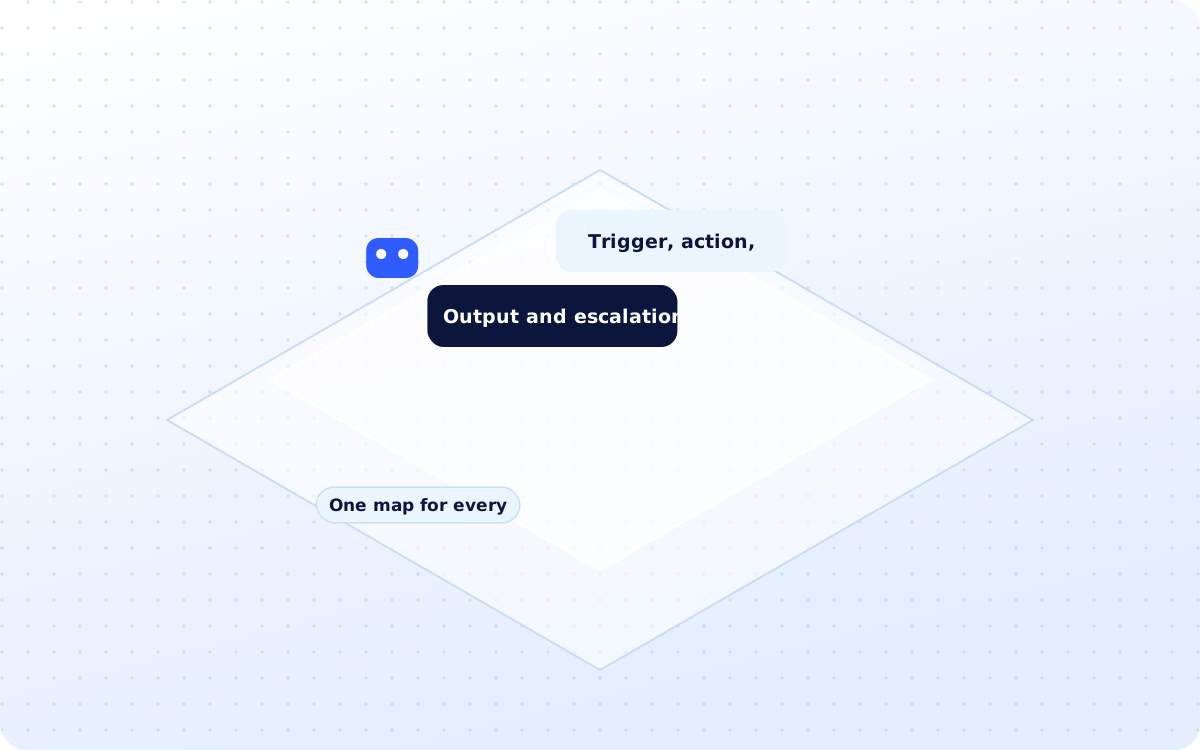
Every workflow gets drawn the same way, then routed properly. Trigger → Action → Decision → Owner → Output → Escalation Marketing Draft → Compliance Review → Changes → Approval → Publication

  • Trigger, action, decision, owner
  • Output and escalation named too
  • One map for every workflow, always
DELIVERABLES

What you actually receive

Six artefacts, all of them yours to keep. The audit trail is the one you will actually need.

ONE-OFF

The workflow audit

The manual tasks, the repeated entry, the handoffs and the approval bottlenecks, all counted up.

ONE-OFF

The process maps

Trigger, action, decision, owner, output and escalation, drawn out for every single workflow that matters.

ONE-OFF

Opportunity matrix

Time saved, frequency, business impact, risk and complexity, all of them ranked against each other.

ONE-OFF

Built workflows

The lead routing, the lifecycle triggers, the support routing and the campaign approval, all live.

ONGOING

Alerts and failures

Tracking failure, overspend, conversion drops and support backlog, each with somebody to tell about it.

ONGOING

The audit trail

Who submitted, who reviewed, what changed, who approved and when, kept on every single item.

HOW IT WORKS

How the automation runs

Four stages, run in order. The maps all get drawn before a single tool ever gets connected.

Where all the time is actually going

Manual tasks, repeat data entry, handoffs, delays, duplicate work, approval bottlenecks and reporting work all get counted before anything moves.

Workstreams
  1. 01Manual tasks all counted properly
  2. 02Repeated data entry gets found
  3. 03Handoffs timed, and not guessed
  4. 04Approval bottlenecks are named
  5. 05Reporting hours are all added up
CAPABILITIES

What the service covers

Twenty one groups of work sit behind the service, and these twelve are what save the hours.

01

Workflow audit

Tasks, handoffs, delays, rework

02

Process mapping

Trigger, action, owner, output

03

Lead automation

Form, CRM, owner, notification

04

Lifecycle triggers

Registration, KYC, first transfer

05

Support routing

Ticket, priority, team and SLA

06

Campaign workflow

Brief, approval, build, launch

07

Approval routing

Draft, review, changes, approval

08

Reporting automation

Extraction, refresh and summaries

09

Data synchronisation

CRM, analytics, support tools

WAYS TO BUY

Three ways to buy this

One of these will fit, whether the whole operation drags or it is only the approvals that do.

Complete workflow build

The audit, the maps, the matrix and the first set of workflows, built, tested and monitored.

  • Fixed fee, agreed before we start
  • Eight weeks from audit to live
  • Human stops built in from day one

Approval workflow only

Just the compliance approval path, when that is the one queue everything else waits behind.

  • One fixed fee, three weeks total
  • One workflow, measured properly
  • Credited if the full build follows

Ongoing automation work

The workflows monitored, the failures chased and the new ones added as the team asks for them.

  • Monthly fee, three months minimum
  • Failures chased inside the day
  • New workflows added each month

Comparison. A general automation shop will connect two tools and call it done. Workflow automation for remittance companies starts by asking which decisions must stay human.

Position. Most operators do not need more staff, they need the work to stop stalling between them.

Where this stops
  • Automation moves the work along. Compliance, KYC and any regulated call stay with your people.

Audit line. If none of the three fits, a fixed-fee growth audit will say which one should.

PROCESS

Four steps to the build

Eight weeks to live. Nothing gets automated until the map has an owner on every single step.

01

Count the waste

WEEK 1-2

Manual tasks, repeated entry, handoffs and delays, measured before anybody promises anything.

02

Map it properly

WEEK 3-4

Trigger, action, decision, owner, output and escalation, written down for each process.

03

Build the first

WEEK 5-7

The highest saving, lowest risk workflow gets built, tested and watched for a fortnight.

04

Watch the rest

WEEK 8

Success, failure, processing time and the manual interventions, all reported every single month.

WHAT WE CLAIM

How results get reported

No client figure appears without written permission. These three are facts about how the work is run.

21WORK GROUPSTwenty one work groups comprise the service, audit through to monitoring.
8KPIS TRACKEDEight indicators are reported, running from hours saved to SLA adherence.
6PROCESS STEPSSix process steps, from the trigger through to any escalation required.
FAQ

Questions operators ask first

Answers come first. Where the honest answer is no, it says no and explains what to do instead.

Operators, remittance apps and payout platforms on the roster

  • Corriva Pay
  • Diaspora FX
  • EchoSend
  • HaloSend
  • Kora Send
  • MonoFlux Remit
  • Nexa Remit
  • NorthArc Pay

Marks appear once written permission is on file for each operator.

NEXT STEP

Take the handoffs out of it first

Every hour lost to a handoff is an hour nobody can bill for. One fixed-fee growth audit will say which workflow is quietly costing the most.

You keep the process maps whether or not you automate anything.

Scroll to Top